Descriere
What Do You Get?
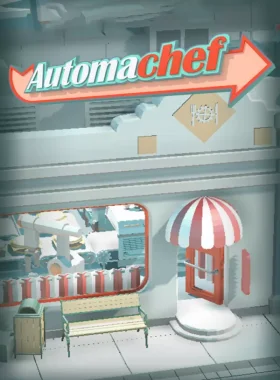
Welcome to Automachef, a resource management puzzler where you design kitchens, program machinery and watch your genius come to life! It’s time to engineer tomorrow’s kitchens, today! Plan, position, and program automated restaurants to run like well-oiled machines. Tackle challenging puzzles involving spatial reasoning, resource management, and scenarios. Enjoy multiple modes: campaign levels, contracts mode, and sandbox test mode. Experience endless charm and quirky humor from the misguided human protagonist, Robert Person. Plus, mod support via Steam Workshop to create your own ingredients, recipes, and levels!
How to Redeem
- Create a Steam account if you don’t have one.
- Launch the Steam client and log in.
- Click on the „Games” tab and select „Activate a Product on Steam”.
- Enter the activation key provided.
- Follow the on-screen instructions to complete activation.
- Download and play Automachef from your Steam Library.
What’s Steam?
Steam is the ultimate digital distribution platform for PC games, offering a vast library of titles, community features, and easy activation. Access your games anytime on PC.
Redemption Instructions
- Ensure you have a Steam account; create one at store.steampowered.com if needed.
- Download and install the Steam client.
- Log in to your account.
- Go to Games > Activate a Product on Steam.
- Enter the key exactly as provided (case-sensitive).
- Confirm activation and download the game.
This key is for worldwide activation on Steam.
Requires a 64-bit processor and OS.



Recenzii
Nu există recenzii până acum.