Descriere
About Daemonologie
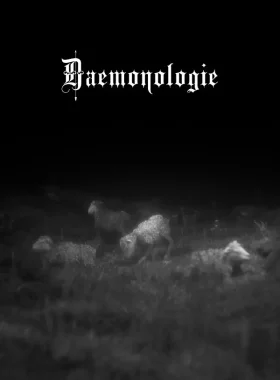
Daemonologie is a short folk horror story influenced by the Scottish witch trials of the late 1600s. From the developer of Symphony of Seven Souls.
You play the role of a witch finder who has been summoned to the small Scottish village to uproot the witch that resides there. You must speak to the locals and sort their truths from their lies. If they are not willing to communicate then you have permission to employ further methods of persuasion.
At the end of each day you will experience prophetic, stop-motion style nightmares. While cryptic, they may provide you with some hidden truths.
It is recommended to take notes as you go as the game will not hold your hand or lead you in your investigation. The choices you make will be all yours.
Features:
- Hand drawn pixel art.
- Original soundtrack.
- Short interwoven narratives designed for playing in a single sitting, multiple times to get the full picture.
- Nightmarish stop-motion style animations.
- Rebuilt from the ground up and expanded from the 2020 HPS1 Jam original.
How to Activate on Steam
- Create a Steam account if you don’t have one.
- Launch Steam and log in.
- Click on the „Games” tab and select „Activate a Product on Steam”.
- Enter the product key and follow the on-screen instructions.
- Download and play from your Library.
What’s Steam?
Steam is the ultimate destination for PC gamers. Access a vast library of games, including indie titles like Daemonologie, with easy activation and automatic updates. Available worldwide.




Recenzii
Nu există recenzii până acum.