Descriere
What Do You Get?
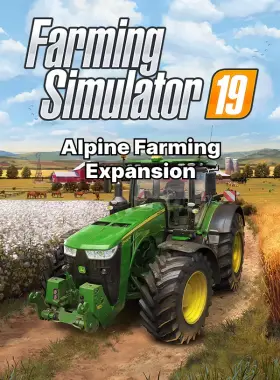
Enrich your Farming Simulator 19 experience and reach for the mountaintop with the official Alpine Farming Expansion! In a brand-new alpine environment, drive and use over 30 authentic vehicles and farming machinery from brands like Aebi, Lindner, Pöttinger, Rigitrac, SIP and more. Widen your horizons in new, lucrative mountain farming activities up on the hills and down in the valley. This expansion adds stunning alpine landscapes, specialized machinery, and fresh gameplay to your farming simulation adventure on PC via Steam. Genres: Simulators. Supported Platforms: PC. Release Date: 11/11/2020. Activation Region: Worldwide.
How to Activate
- Create a Steam account if you don’t have one at store.steampowered.com.
- Launch the Steam client and log in.
- Click on the „Games” tab and select „Activate a Product on Steam”.
- Enter the product key and follow the on-screen instructions.
- Once activated, download and play from your Steam Library.
What’s Steam?
Steam is the ultimate digital distribution platform for PC gamers, offering a vast library of games, including simulators like Farming Simulator 19. Access your games, connect with friends, and enjoy seamless updates and community features. It’s free to join and works worldwide.
Launcher Information
Name: STEAM. This product requires a broadband internet connection for activation and online features.
![[NINJA GAIDEN: Master Collection] NINJA GAIDEN Σ EU PC Steam CD Key](https://stampile-online.cloud/wp-content/uploads/2026/09/thumbnail_1786016088_6a7471587986e-280x360.webp)



Recenzii
Nu există recenzii până acum.