Descriere
What Do You Get?
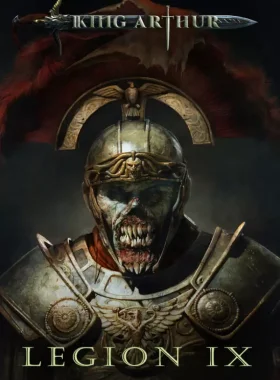
King Arthur: Legion IX is a turn-based, character-centric tactical RPG set in the dark fantasy universe of King Arthur: Knight’s Tale. Lead the undead Ninth Legion of Rome as tribune Gaius Julius Mento in a Roman-themed campaign to conquer the mythical land of Avalon. Battle nightmares, Pict tribes, Fomorians, Sídhe, and knights of Sir Mordred’s Round Table across 15 handcrafted missions. Manage heroes, make moral choices, rebuild Nova Roma, and decide your path: embrace demonic power or restore humanity.
How to Activate
- Create a Steam account if you don’t have one at store.steampowered.com.
- Download and install the Steam client.
- Launch Steam and log in to your account.
- Click on the „Games” tab and select „Activate a Product on Steam”.
- Enter the product key and follow the on-screen instructions to redeem.
- Once activated, download and play from your Steam Library.
What’s King Arthur: Legion IX?
Experience a hybrid of tactical combat and RPG elements in Avalon. Control a party of 5-6 unique heroes risen from the Abyss, level them up, equip artifacts, and use abilities to outmaneuver foes. Build and manage Nova Roma as your stronghold, balancing resources for hero preparation. Face tough decisions that shape the narrative and gameplay in this unforgiving dark fantasy world.
Supported Platforms
This game is available on PC via Steam, with worldwide activation. Released on 09/05/2024, it offers deep strategy in genres like RPG and Strategy Games.



Recenzii
Nu există recenzii până acum.